Description
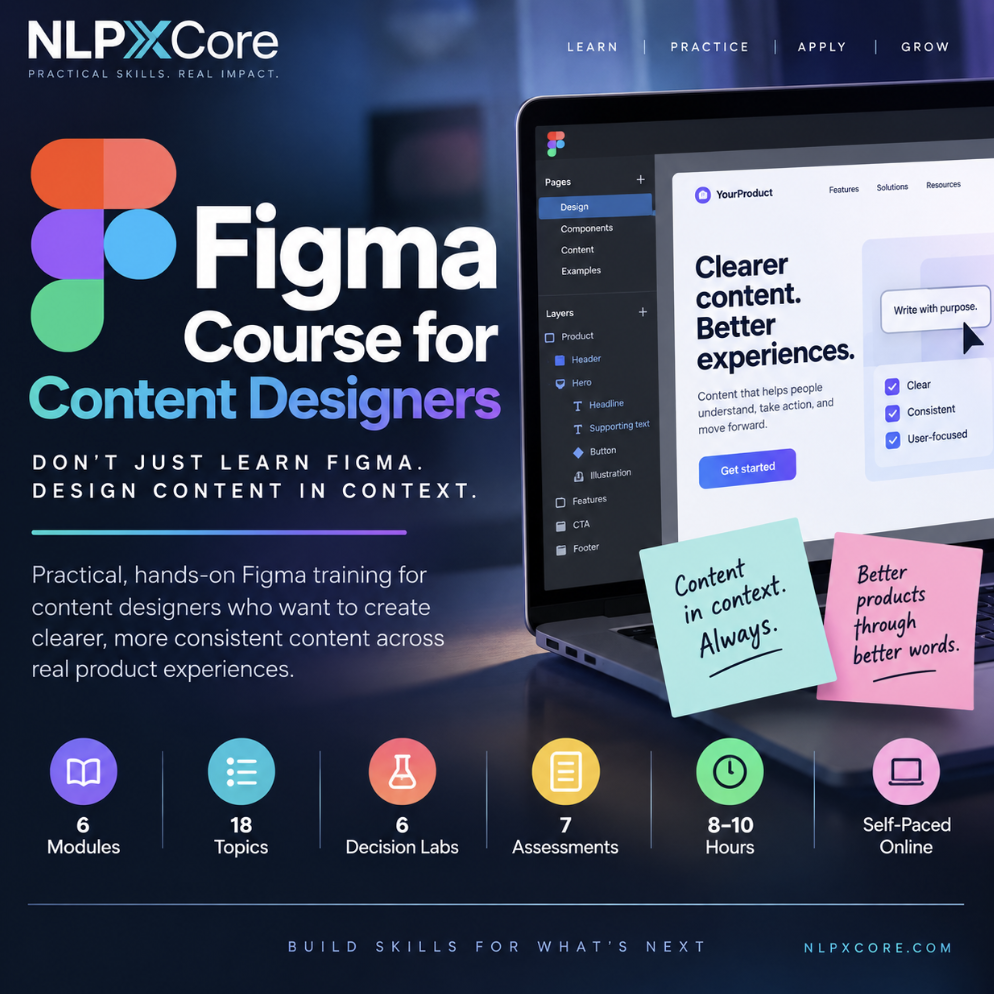
Don’t just learn Figma. Design content in context.
Figma Course for Content Designers is a practical, self-paced course built specifically for content designers, UX writers, and product-content professionals who need to work confidently inside real digital-product files.
Learn how to navigate Figma, edit content safely, understand components and layout behavior, work across product flows and interface states, collaborate with design and engineering, perform content QA, and build scalable workflows without turning yourself into a visual designer.
18 Focused Topics
6 Decision Labs
7 Assessments
8–10 Hours
Self-Paced
Learn the Figma skills content designers actually need
You do not need to become a UI designer to work effectively in Figma. You do need to understand the structure around your content, how product components behave, where different interface states live, and how your language decisions affect the experience around them.
Navigate files, pages, frames, layers, text objects, selection tools, and product screens without getting lost or accidentally disrupting the design.
Understand auto layout, components, instances, variants, properties, styles, and libraries so you can make content changes without breaking the underlying system.
Work with onboarding, forms, errors, empty states, confirmations, notifications, flows, prototypes, annotations, and content specifications in context.
Use comments, review workflows, shared libraries, annotations, version history, and team conventions to collaborate more effectively with designers, product managers, researchers, and engineers.
Review responsive states, accessibility, localization expansion, edge cases, terminology consistency, interaction context, and release readiness before implementation.
Build reusable templates, design-system conventions, governance practices, and responsible plugin or AI-assisted workflows that help teams work more efficiently.
This is not a generic Figma design course
The goal is not to teach illustration, visual branding, advanced interface styling, or how to become a professional UI designer.
The course focuses on the parts of Figma that matter to content design work: understanding interface structure, making safe text changes, evaluating content in context, reviewing states and edge cases, collaborating across disciplines, and communicating decisions clearly.
Practice the decisions behind the tool.
Every module ends with an NLPXCore Decision Lab. You receive a realistic Figma and product-content scenario, create or describe a concrete workflow or content-design artifact, explain your reasoning, and respond to a clearly labeled simulated stakeholder challenge.
6 Decision Labs. 6 mastered workflow decisions. 1 personal Figma Content Design Decision Portfolio.
Built around real product-content work
-
✓
Current, research-backed instruction with source references -
✓
File maps, component diagrams, flow and state models, QA matrices, and collaboration workflows -
✓
Applied practice inside realistic digital-product scenarios -
✓
Module knowledge checks and a comprehensive final assessment -
✓
AI-guided Decision Lab feedback with revision-to-mastery practice -
✓
Self-paced online learning you can complete around your schedule
Who this course is for
This course is designed for professionals who create, review, or manage language inside digital products and need to work more effectively within Figma.
It is especially relevant for content designers, UX writers, product-content specialists, content strategists, conversation designers, product designers who collaborate closely with content, and other UX professionals who want stronger Figma fluency without taking an entire visual-design curriculum.
Figma evolves frequently. Course material is researched against current public documentation where feature behavior matters. Specific features, permissions, plans, or interface details may change over time or vary by workspace. This is independent professional training and is not an official Figma certification program.
Work in the file. See the whole experience. Make better content decisions.
Start the Figma Course for Content Designers and build the practical Figma fluency you need to design clearer content inside real digital-product experiences.